March 14, 2026 · Sewing Society · 2 min read · Sewing Machine Help & Troubleshooting
Disclosure: As an Amazon Associate, we earn from qualifying purchases. Some links in this post may be affiliate links.
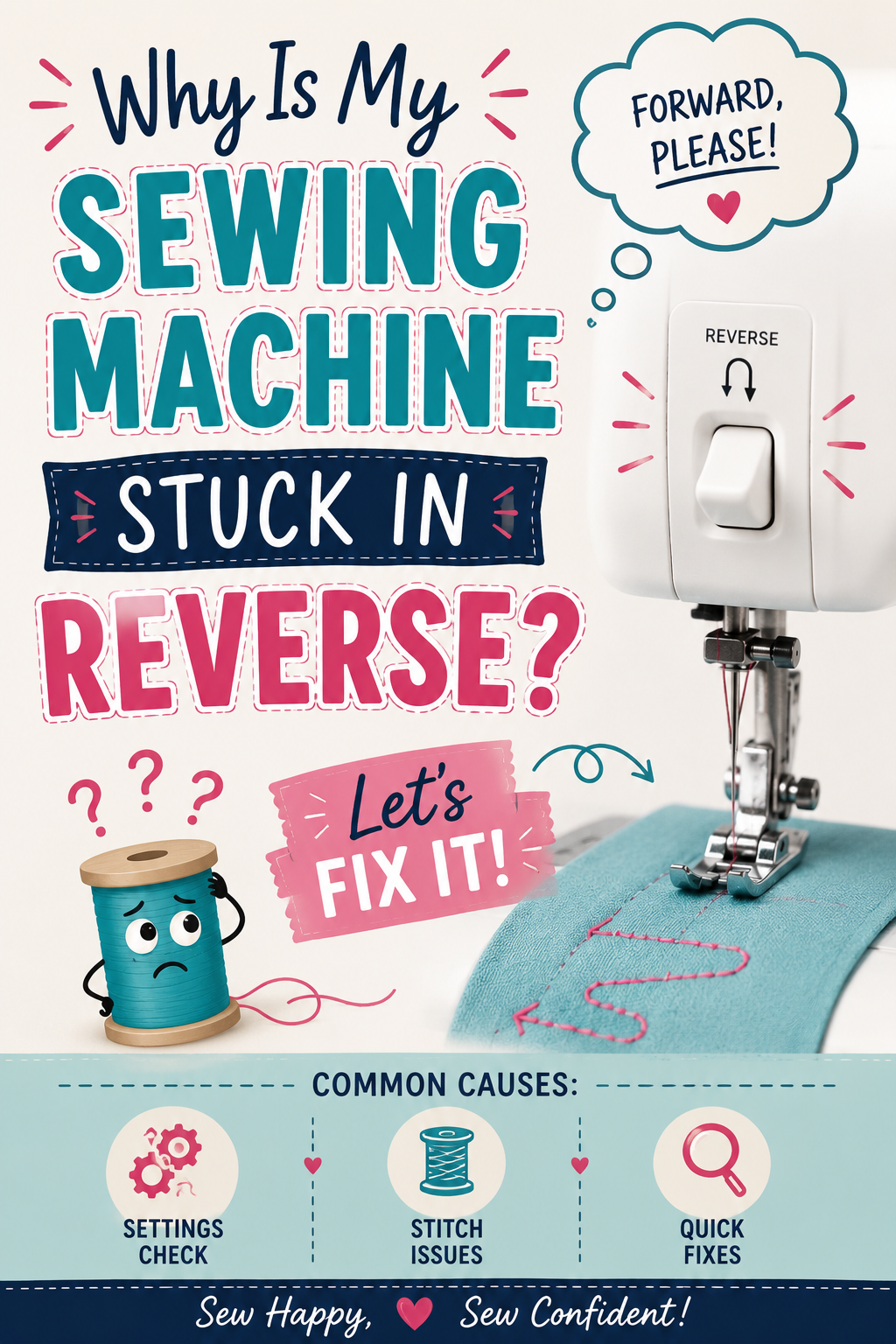
Why Is My Sewing Machine Stuck in Reverse? 5 Causes and Fixes
A sewing machine stuck in reverse is usually caused by jammed feed dogs, debris wrapped around the backstitch lever, a broken lever spring, an accidentally selected buttonhole stitch, or a software glitch on computerized machines. This guide covers each cause and how to fix it.

Reverse stitching is essential for securing seam ends, but sewing an entire project backward is a different story. If your machine is stuck in reverse and will not sew forward, here are the most common causes and how to fix each one.
1. The Feed Dogs Are Jammed
Thread, lint, and dust can accumulate in and around the feed dogs and interfere with their movement. In some cases, this buildup prevents forward motion while the machine can still move in reverse. In other cases, debris jams the reverse mechanism itself, locking it in the reverse position.
Remove the bobbin and needle plate if possible and clean the feed dog area thoroughly with the brush that came with your machine. Also clean the bobbin case and the area around the hook race. Run the machine slowly after cleaning to see if normal forward motion returns.
2. The Backstitch Lever Is Stuck or Jammed
A loose thread inside the machine can wrap around the backstitch lever mechanism and hold it in the reverse position. This is not common, but it happens, and it is often the culprit when the lever visually appears to be in the neutral position but the machine still sews backward.
Remove the side panel or access panel on your machine and inspect the area around the backstitch lever. Clear out any wrapped thread, lint, or debris. Be thorough since thread can work its way into tight spaces around the lever pivot point.
3. The Backstitch Lever or Spring Is Broken
If the spring that returns the backstitch lever to its neutral position is bent or broken, the lever can stay engaged in reverse. The lever itself can also crack or break, particularly on older machines.
This is not a straightforward repair to do at home. Take the machine to a qualified sewing machine technician. The spring is an inexpensive part, but accessing and replacing it requires disassembly.
4. A Buttonhole Stitch Is Selected
Many machines begin buttonhole stitches by sewing backward. If you accidentally left the stitch selector on buttonhole mode, the machine will start every seam in reverse.
Check your stitch selection and switch back to a standard straight stitch or zigzag. This is a quick fix that is easy to overlook, especially on computerized machines where stitch settings are remembered between sessions.
5. The Software Needs a Reset (Computerized Machines)
 Pin It
Computerized sewing machines run on software that can occasionally glitch, causing unexpected behavior including getting stuck in a reverse or special stitch mode.
Turn the machine completely off, wait ten seconds, and turn it back on. This clears the current session state and resets the stitch settings to default. If the problem returns consistently, the software may need to be reinstalled. Contact your machine's manufacturer or take it to an authorized technician for a software reset.
Related reading: Why Won't My Sewing Machine Sew in Reverse?
AI Sewing Coach
Create a free account to chat with our AI Sewing Coach — trained to help with sewing techniques, troubleshooting, projects, fabric questions, and more!
Comments
Comments are screened by an AI moderator for spam and inappropriate content.
Sign in to join the conversation.
Loading comments…