December 14, 2025 · Sewing Society · 3 min read · Sewing Machine Help & Troubleshooting
Disclosure: As an Amazon Associate, we earn from qualifying purchases. Some links in this post may be affiliate links.
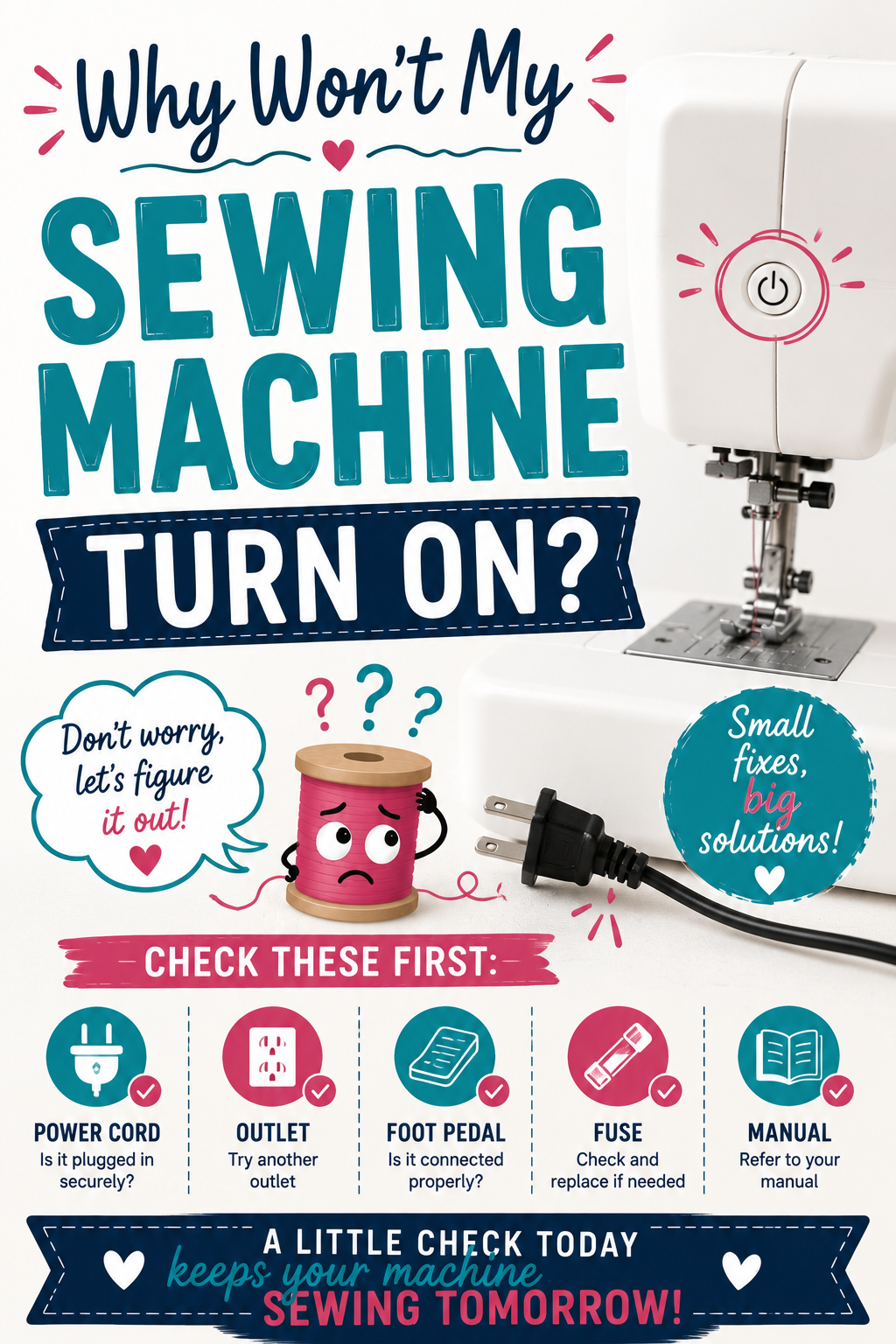
Why Won't My Sewing Machine Turn On?
A sewing machine that will not turn on is not necessarily broken. Before calling a technician, check the outlet, inspect both ends of the power cord, look for cord damage, try replacing the light bulb, and let the machine cool down if it overheated. This guide walks through every common cause and what to check.

Before assuming the worst, work through this list. Most sewing machines that will not turn on have a simple, fixable cause. Here are the most common reasons and what to check for each.
1. The Power Outlet Is Not Working
A tripped breaker or faulty outlet is often the actual problem rather than the machine itself. This is the first thing to rule out.
Plug a lamp or phone charger into the same outlet to confirm it has power. If the outlet is a GFCI type (the kind with reset buttons, common in bathrooms and kitchens), press the reset button on the outlet itself. If the outlet is completely dead, check your breaker box for a tripped breaker and reset it.
2. The Power Cord Is Loose
Sewing machines vibrate during use and the vibration can gradually work the power cord loose over time. If your machine lives on a table or in a cabinet where it stays plugged in, the connection may have loosened without you noticing.
Check both ends of the cord: the connection at the wall outlet and the connection at the machine. Push both in firmly. On many machines the cord connects to a port on the back or side of the machine and can look seated without actually making a solid connection.
3. The Power Cord Is Damaged
A damaged cord can interrupt power delivery and prevent the machine from turning on even when plugged in.
Inspect the entire length of the cord for visible damage including kinks, fraying, exposed wires, or teeth marks from pets. Pay particular attention to the spots where the cord meets the plug and where it enters the machine, since those stress points wear out first. Never run a cord under furniture legs or route it where it will be repeatedly bent or pinched.
If you find damage, do not use the machine until the cord is replaced. A damaged cord is a fire and electrocution hazard.
4. The Light Bulb Is Burned Out (and the Machine May Still Work)
This one may seem odd, but some older sewing machines are wired so that a burned-out light bulb interrupts the power circuit and appears to prevent the machine from turning on. If the needle moves when you press the foot pedal but nothing else seems to function, try replacing the light bulb before drawing any other conclusions.
If replacing the bulb does not help, the on/off switch itself may have failed. This is a repair for a sewing machine technician.
5. The Machine Has a Thermal Overload Cutoff
Some machines include a thermal protection feature that shuts the machine off automatically if the motor overheats. If you were sewing at high speed for an extended period before the machine stopped turning on, this may be the cause.
Unplug the machine and let it sit for at least 30 to 60 minutes to cool down completely. Plug it back in and try again. If it starts normally, the thermal cutoff was the cause. Avoid long uninterrupted sewing sessions to prevent it from happening again.
6. The Foot Pedal Connection Is Loose or Faulty
 Pin It
Many home machines will not turn on at all if the foot pedal is not connected, since the pedal completes the electrical circuit. If the foot pedal cord is loose at the machine connection point, the machine may not respond to the power switch.
Check that the foot pedal is plugged firmly into the machine. If the connection is solid and the machine still will not power on, try a replacement foot pedal if one is available, since the pedal itself can fail.
Related reading: Why Does My Sewing Machine Smell Funny?
AI Sewing Coach
Create a free account to chat with our AI Sewing Coach — trained to help with sewing techniques, troubleshooting, projects, fabric questions, and more!
Comments
Comments are screened by an AI moderator for spam and inappropriate content.
Sign in to join the conversation.
Loading comments…